

.png)


.webp)
What are scientific and research information platforms?
We’ve all been there. Twenty browser tabs open. Three PDFs downloaded with names like “Document123.” No clue where that one health stat came from. Digital clutter wastes time fast. A normal web search is fine for recipes, but finding solid research can feel like hunting for one useful needle in a pile of junk.
That is where academic research tools help. They help you find sources that have been checked before publication. In most cases, that means peer review. Other experts review the paper and test whether the claims hold up. That does not make every paper perfect, but it does raise the bar.
To use these tools well, you need to know how to work across scholarly repositories and research databases. A simple system for finding, accessing, and sorting papers makes the process much easier. Whether you need data for work or want better search tools for students, a good setup turns messy web searching into a much more reliable way to learn.
Beyond the search bar: how scholarly tools find what Google often misses
When you want to verify a health claim, a normal search bar can leave you buried in opinion pieces and weak sources. Research databases work differently. They are organized libraries of scientific material. The gap between a curated scientific database and a general search platform is real. One is built to surface reviewed evidence. The other is built to rank what gets attention.
These tools also get easier once you know one simple habit. You do not need to read a full paper right away. Start with the abstract. It is the short summary at the top. It tells you what the paper studied, what the authors found, and whether it is worth your time.
To narrow results, Boolean search helps a lot. These are simple commands that act like filters:
AND: shows results with both terms. Example: “coffee AND sleep”
OR: shows results with either term. Good for synonyms. Example: “sleep OR rest”
NOT: removes terms you do not want. Example: “coffee NOT decaf”
These filters give you much better control over search results. But when you do not yet know the right keywords, literature mapping tools can help you find the shape of a field before you know its exact language.
Visualizing discovery: using literature mapping to see the big picture
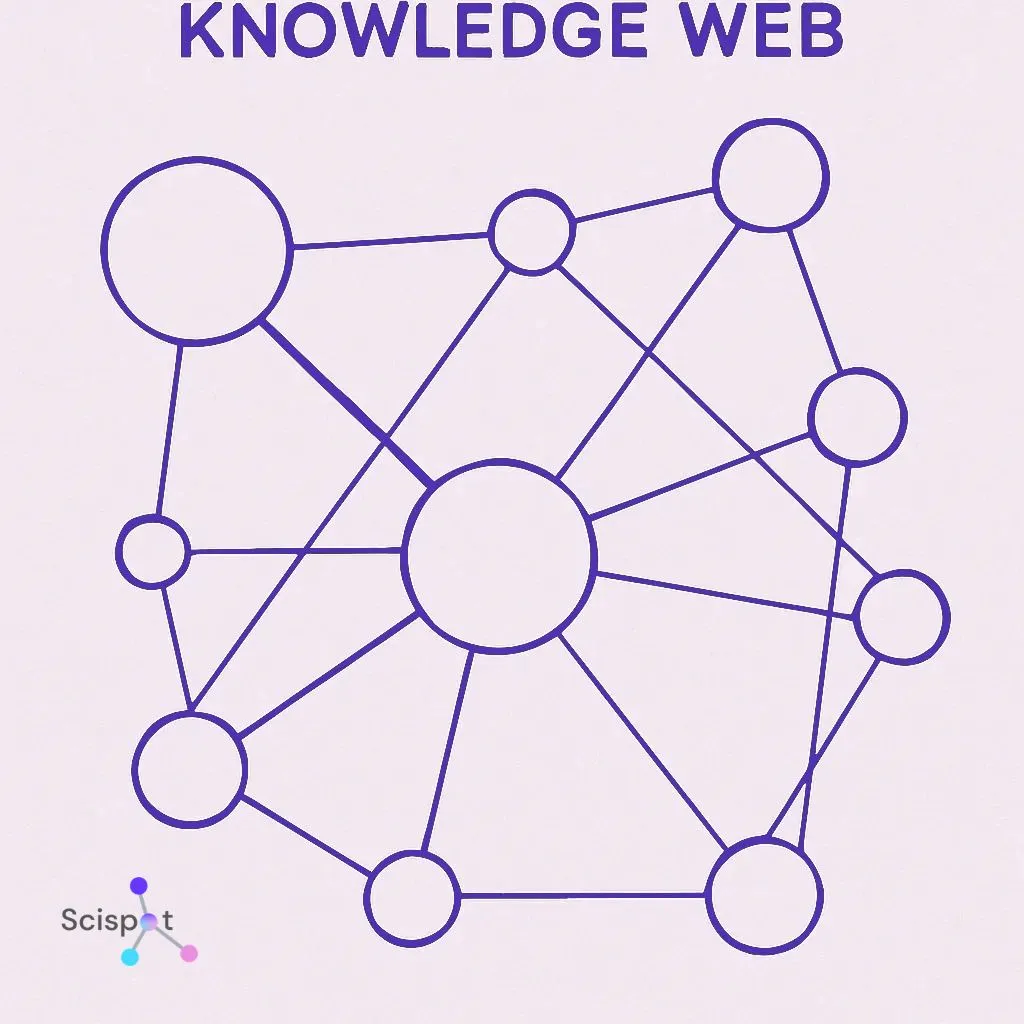
Finding the right words for a new topic can feel like guesswork. Literature mapping tools give you another way in. Instead of trying keyword after keyword, you start with one strong paper. That paper becomes your seed paper. The tool then shows related studies through citation links.
It helps to think of this like a map of family connections. Some papers lead to many others. Some authors show up again and again. That makes it easier to spot the big names and landmark studies in a field. If you are new to a topic, this can save a lot of time.
This wider view changes the job. Research stops feeling like a blind text search and starts feeling more like following a trail. Once you find the important papers, the next problem is access. That is where open access tools come in.
Unlock any paper: how to use open access tools to bypass paywalls legally
Finding the right study and then hitting a $40 paywall is frustrating. A lot of academic work still sits behind publisher fees. But there are legal ways to find free versions.
One easy option is a browser tool like Unpaywall. When you open a paywalled article, it checks whether a free legal copy exists elsewhere. If it finds one, it points you to it. That saves time and keeps you from bouncing around random sites.
If the final published version is locked, the author may have shared an earlier draft, often called a preprint. A DOI helps here. A DOI is a unique code tied to a paper, like a fingerprint. Search the DOI and you can often track down the exact article or a free version of it.
Of course, downloading papers is only step one. A pile of PDFs with vague names becomes a mess fast. Once you can get the papers, the next step is to manage them properly.
Stop managing PDFs. Start managing ideas
Downloading articles is only half the job. Without a system, good sources disappear into folders and never get used again. That is why citation software matters.
Citation managers like Zotero give you one searchable place to store papers, authors, notes, and metadata. It is much easier than digging through desktop folders. You save the source once, then find it later without guessing file names.
Getting started is simple:
Download the Zotero app
Install the browser connector
Save articles in one click as you browse
That one small setup saves hours later. It also makes note-taking easier. You can keep highlights, comments, and quotes tied to the source. Then, when you start writing, the software can handle citations and bibliographies for you, which cuts down formatting mistakes.
Once your own library is organized, sharing work with others gets much easier too.
Better teamwork: cloud-based research collaboration
Basic cloud storage helps people share files, but serious research work usually needs more than a shared folder. Research collaboration tools give teams one place to organize sources, comments, tasks, and drafts.
They also help with version control. That just means you can see what changed, when it changed, and who changed it. It is like having a time machine for documents. If something gets overwritten, you can trace it back instead of losing work.
For bigger teams, this matters even more. A good system helps people track progress, stay on the same page, and avoid sending PDFs back and forth over email. When the work and the evidence are in one place, the whole process gets easier to manage.
Why Scispot works well for research teams
Scispot stands out in this space because it does more than help teams find papers or store files. It gives research groups one connected system for structured data, protocols, samples, results, documents, and team workflows.
Instead of jumping between spreadsheets, shared drives, PDFs, and disconnected lab tools, scientists can keep their work organized, searchable, and traceable in one place. That makes Scispot useful for teams that need more than access to information. They need a practical way to turn information into repeatable, collaborative, and audit-ready scientific work.
Presentation still matters: data, writing, and final checks
When it is time to write, the format matters too. Word is familiar and flexible. LaTeX is more rigid, but it handles complex formatting very well. A simple way to think about it is this: Word is a notebook. LaTeX is a typesetting system. Each works. The right pick depends on the project.
For data, modern no-code analysis tools make charting easier for people who do not want to code. You can often build useful visuals with drag-and-drop tools. For text-heavy work, qualitative analysis tools can help you spot common themes across documents like interviews or notes.
Before you share the final version, one last check matters. Plagiarism tools help make sure you have not accidentally left a quote or idea unattributed. That final pass protects the quality of the work.
From curiosity to credibility: a practical way to work
You do not need to drown in open tabs or rely on second-hand summaries. With the right research tools, you can save time, find stronger sources, and work with much more confidence.
Take ten minutes and set up a basic system. That small step changes a lot. A simple starting checklist looks like this:
Install Zotero
Add Unpaywall
Search with Semantic Scholar
Map papers with Connected Papers
Whether you are checking a health claim, reading up on cognitive science, or trying to settle an argument with actual evidence, these tools help you get past the noise. Good research is not about having endless tabs open. It is about having a better system.
.webp)
.webp)
.webp)



