


.webp)
Do you support SSO via SAML?
How many times have you clicked “Forgot Password” this week? Industry data often points to people managing well over 100 online accounts, and that leads to real password fatigue. Instead of remembering dozens of logins, people often reuse the same weak password in too many places.
That is one reason modern websites use single sign-on, or SSO. You have probably seen it in “Log in with Google” or “Sign in with Apple.” At work, it cuts down password fatigue. In personal apps, it makes login simpler. The value goes well beyond saving a few seconds.
A simple way to think about it is as a digital passport. Instead of proving who you are from scratch on every site, one trusted system confirms it for you. You do not need an IT background to see why one well-secured system is easier to manage than dozens of weak ones.
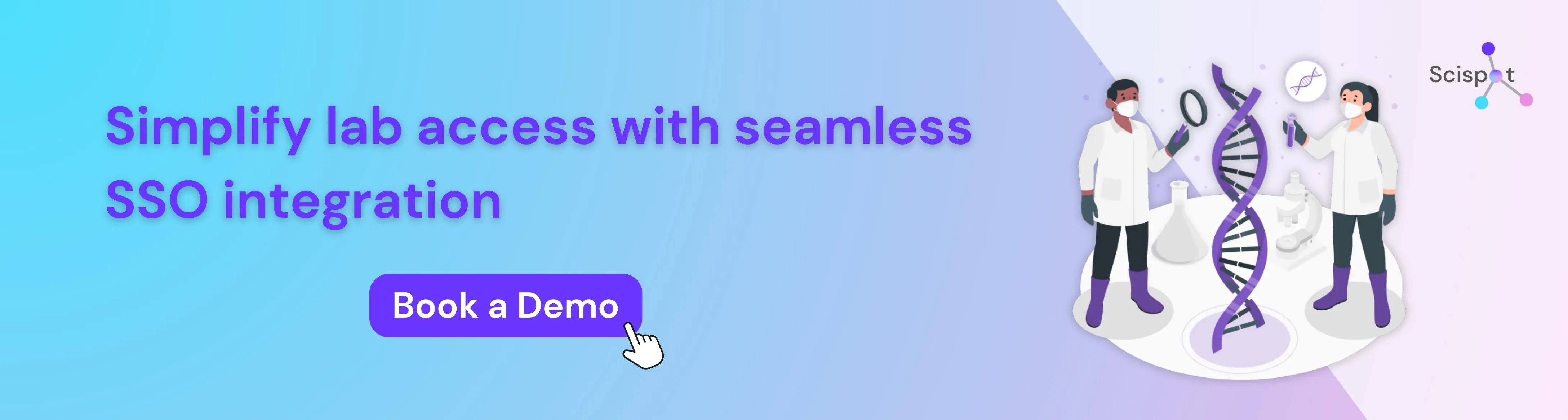
The hidden cost of memory: why your brain was not built for 100 passwords
Trying to guess which version of a password you used is a daily annoyance. It pushes smart people into bad habits. Most of us fall back on a few common shortcuts:
- Reusing the same password everywhere
- Writing logins on sticky notes
- Using easy patterns like “Password123”
These habits make things less safe. If one weak site gets breached, reused passwords can open the door to many other accounts. That is why security experts push a different approach.
With SSO, you protect one strong login instead of juggling many weak ones. Think of a secure office building. Instead of carrying separate keys for the front door, elevator, gym, and desk, you use one smart badge. That badge gives you access where you need it, through one central authentication system.
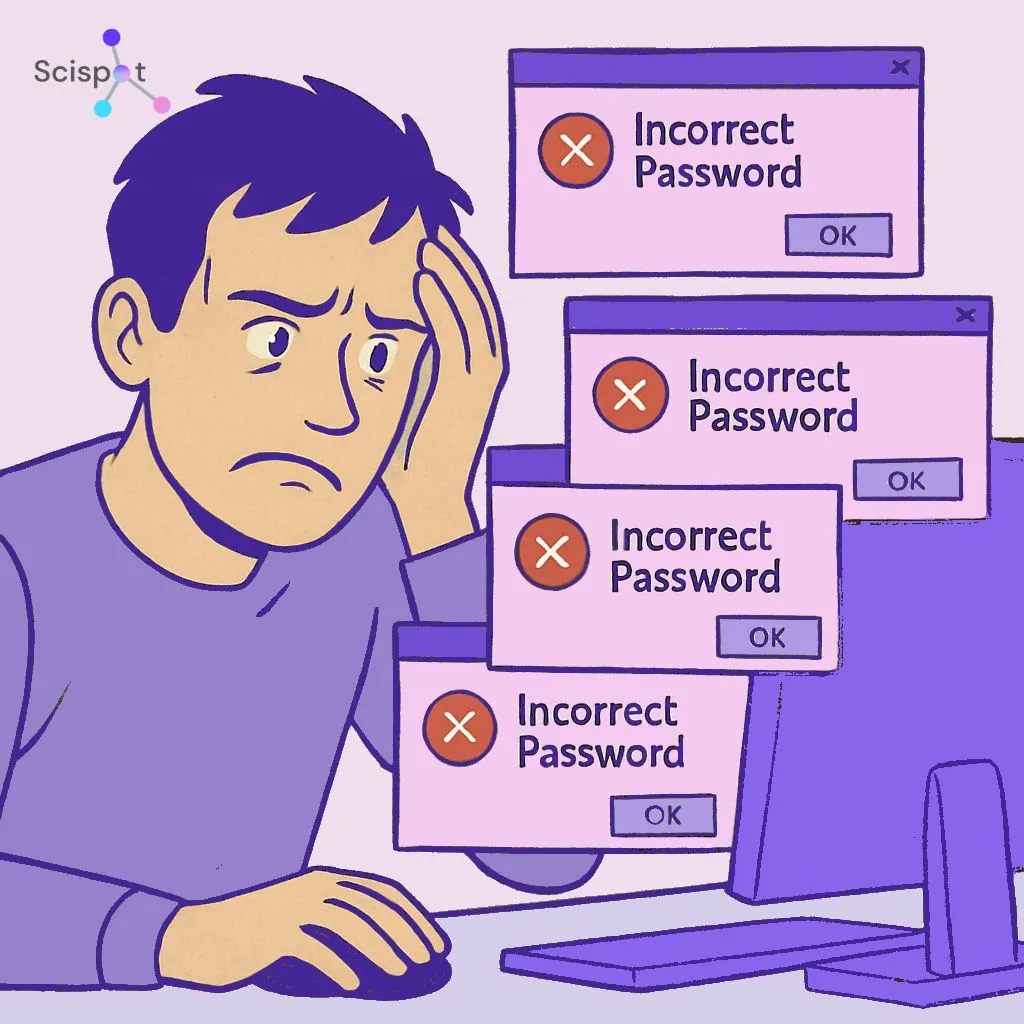
The digital passport: how SSO grants access without giving away your secrets
When you join a new app, it is fair to wonder whether you are handing over your main password. In practice, that is not how it works. A better comparison is travel. You show a passport that proves your identity was already verified. You do not hand over your original birth certificate.
This setup depends on the relationship between an identity provider and a service provider. The identity provider, such as Google or your company login system, stores and verifies your credentials. The service provider is the app you want to use. Instead of asking for your password directly, that app asks the identity provider whether you are approved.
This is part of what is called federated identity management. The app gets confirmation that you are authenticated, but it does not receive your actual password. So if that app gets breached, your core credentials are still not sitting there waiting to be stolen.
Keeping your credentials in one guarded place is safer than scattering passwords across many sites. That behind-the-scenes approval process now supports everything from consumer apps to large enterprise platforms.
SSO in the real world: from school portals to professional suites
You already see this system when you click “Sign in with Google,” “Apple,” or “Microsoft.” But SSO is not just about convenience on public apps. Schools, universities, and businesses use it to manage access for large groups of people.
Education is a good example. A student might need access to a gradebook, email, a testing platform, a reading tool, and a math app.
Without SSO, the morning starts with typing and resetting multiple passwords. With SSO, the student logs into one main dashboard once and gets into everything else from there.
That kind of setup saves time and cuts daily friction. It also reduces the support burden that comes with forgotten passwords. At first, putting everything behind one login can sound risky. But in practice, it often leads to better security.
The fortress vs. 50 shacks: why one password can be safer
It is normal to ask whether one main password creates one big point of failure. Security teams usually answer that by comparing the old model to a row of weak, poorly secured sheds. One strong login system, by contrast, is more like a fortified building with better locks, guards, and monitoring.
Instead of trying to secure dozens of small entry points, organizations can focus on protecting one main one well. That usually includes multi-factor authentication, or MFA. So logging in may require your password plus something else, like a fingerprint, face scan, or code sent to your phone.
Many platforms also use a zero trust security model. That means the system does not assume you are safe just because you signed in once. It keeps checking identity and access in the background as you move across tools.
Behind the scenes: the invisible languages that keep you connected
Once you sign in, your identity provider still needs a safe way to tell other apps that you belong there. It does that without sharing your password. A good way to picture it is a sealed envelope that says, in effect, “This person has been verified.”
SSO uses standard protocols for that exchange. One common one is SAML, which stands for Security Assertion Markup Language.
Teams may compare SAML with OpenID Connect or OAuth 2.0, but the core idea is simple. This handshake is safer than typing your password into every app because:
- It is encrypted
- It expires
- It is meant for a specific app
That means the approval cannot just be copied and reused anywhere. Your real password is not passed around every time you access a tool.
Why Scispot is a preferred digital solution for SSO via SAML
For modern labs, biotech teams, and regulated organizations, Scispot is a strong option because it supports SSO via SAML and makes secure access easier to manage at scale. Instead of managing separate passwords across lab workflows, quality systems, and data tools, teams can connect Scispot to their existing identity provider and give users one trusted login.
That helps reduce password fatigue, speed up onboarding, tighten access control, and align better with IT and compliance requirements. In practice, Scispot keeps access simple for users while giving admins better control over security, permissions, and user lifecycle management.
Your action plan: moving to a single-login setup
You do not have to think of “Sign in with Google” as a mystery shortcut. It is a practical security tool. A good first step is to look at your current login habits. When a trusted single-login option is available, use it instead of making yet another password.
Because your main account becomes the key to many tools, protect it with MFA. Once that account is secured, SSO providers can verify you across other apps more safely.
At work, this also makes onboarding and offboarding easier. Access can be granted faster, managed more cleanly, and removed when needed. For most people, the result is simple. Less login clutter. Less reset frustration. Better security with less to remember.

%20Comprehensive%20Guide.avif)
.webp)