


.webp)
What Is the Data Validation Plan?
Have you ever hit “send” on a huge promo mailing, then noticed hundreds of addresses were missing one digit in the zip code? Industry data shows businesses lose hours and thousands of dollars fixing small mistakes like that by hand. One typo can set off delayed packages, confused customers, and last-minute cleanup for your team.
A data validation plan helps stop that. It is a safety net. Think of it like a security guard checking passports at the airport. Instead of letting bad data pass through, it catches errors the moment someone types them into a form. That is point-of-entry validation. If someone enters an incomplete zip code, the system blocks it right away. This protects data integrity, which simply means your information stays accurate and trustworthy.
A solid plan changes how you handle information. Instead of spending Friday afternoon cleaning up spreadsheets, you set rules that keep records clean from the start. That saves time and cuts down on manual fixes later.

Mapping Your Information Journey: Why Every Field Needs a Clear Destination
Think about packing up your kitchen for a move. The old house is your source, where information starts. The new house is your target, where it needs to go. If you dump utensils into random drawers, good luck finding a spoon tomorrow. The same thing happens when data moves between systems.
To avoid that mess, you need a blueprint called field mapping. This connects a specific field, like a customer’s phone number, in your old system to the matching field in the new one. A basic source-to-target mapping template makes sure every detail has a clear home before the move starts.
Without a good data migration testing plan, teams run into avoidable mix-ups. Here are three common mapping errors and simple ways to fix them:
Swapped names: First and last names get reversed.
Fix: Map “Given Name” and “Surname” as separate fields instead of using one generic “Name” field.
Mismatched dates: Month/Day format clashes with Day/Month format.
Fix: Pick one standard date format for the target system.
Lost text: Long customer comments get cut off.
Fix: Check that the target field is large enough to hold the source text.
When you map fields carefully, you avoid the mismatches that break reports. Once you know the data is landing in the right place, the next job is to make sure the data itself is clean.

The Three Golden Rules of Data Quality: Presence, Format, and Logic
Getting data into the right field is only half the job. It also has to be usable. That is where constraints come in. Think of them as a digital bouncer that blocks bad input before it causes trouble. Field-level validation rules stop people from typing a zip code into an email field.
A simple checklist helps:
Presence: Is the value there?
This check asks whether a required field is empty.
Format: Does it look right?
This checks whether the value follows the expected pattern, like whether an email address includes an “@” symbol.
Logic: Does it make sense?
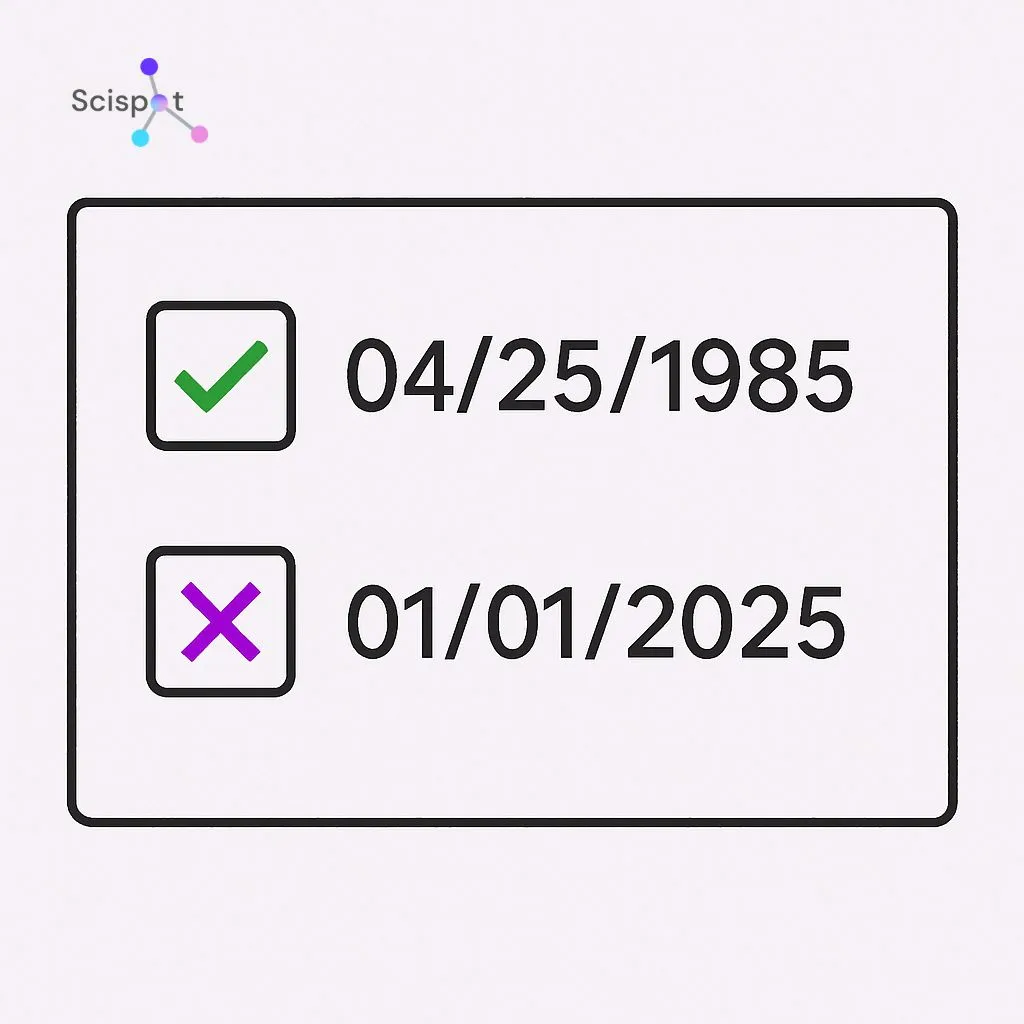
This applies real-world rules, like blocking a birth date set in the future.
These checks turn messy data into records you can trust. Once the rules are clear, the next step is deciding how to enforce them.
Manual vs. Automated Tools: Choosing Your Data Quality Filter
Writing the rules is a good start. Enforcing them means choosing between manual and automated validation.
Manual review is like a security guard checking every guest’s ID by hand. That works for a small private event. It does not work well when you have hundreds of sign-ups or large mailing lists. People get tired. They miss things. Work slows down.
That is why teams use automated verification tools. Instead of waiting days to review spreadsheet entries, these tools catch errors as they happen. If someone types letters into a phone number field at checkout, the system shows a warning on the spot. The mistake gets fixed before it reaches your records.
The amount of data you handle each day usually tells you what makes sense. Small volume may be fine with manual review. Larger volume usually needs software. As your business grows, automating these checks saves time and frustration.
Scispot as Your Digital Foundation for Data Validation
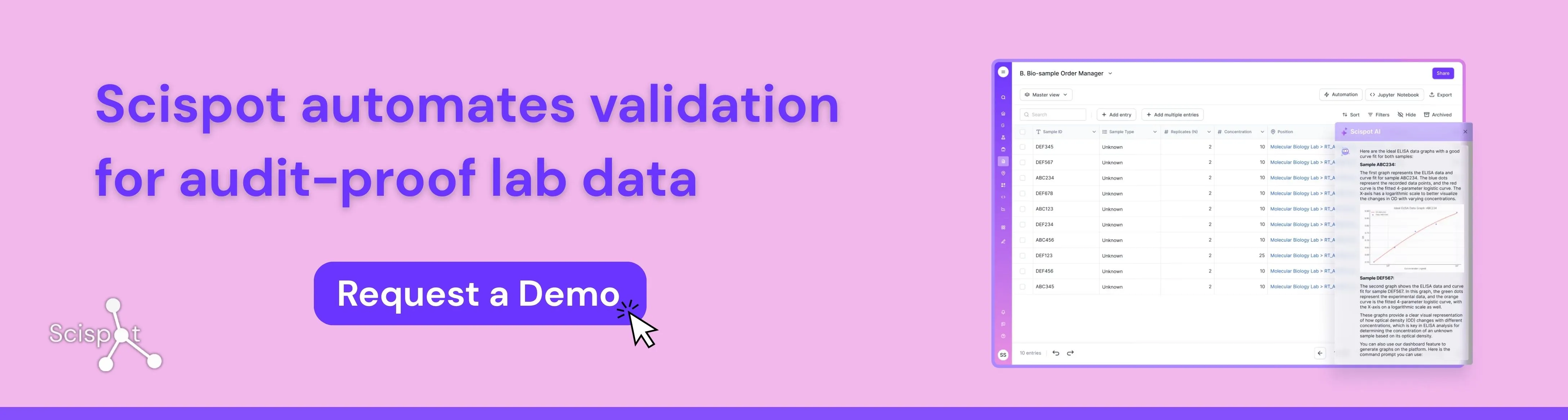
Scispot is a strong fit for teams building a modern data validation plan because it brings data capture, workflow control, audit trails, and system integrations into one governed digital workspace. Instead of validating records across scattered spreadsheets, emails, and disconnected tools, teams can set clear rules at the point of entry, standardize workflows, trace every change, and connect instruments or external systems without losing context. That makes Scispot especially useful for labs and regulated teams that need clean data from the start, strong reviewability later, and a practical path from daily operations to audit readiness.
The Professional Blueprint: Steps to Perform Data Profiling Without the Jargon
Fixing bad data without first reviewing it is like a doctor handing out medicine without checking your vitals. Before you add new rules, you need a health check for the records you already have. Data profiling just means reviewing current data to spot patterns, such as missing area codes in half your customer phone numbers.
A basic data quality review can follow four steps:
Survey: Review a sample of rows to see what is there.
Analyze: Look for common typos, duplicates, and blanks.
Document: Write down the rules your data should follow.
Clean: Fix the broken records so they match those rules.
Once you know what keeps going wrong, you can build a cleaning workflow that fixes the issues in a steady way. It is a lot like sorting out a messy garage. You figure out what belongs, what is broken, and what needs to go.
For many businesses, that alone saves a lot of time. In high-stakes fields, the cost of bad data is much higher.
Why Precision Matters Most: Data Validation Plans in Clinical Trials and High-Stakes Environments
Ordering the wrong shoe size online is annoying. In clinical research, a mistyped dose can be dangerous. That is why data validation plans in clinical trials are so strict. Patient data has to pass serious logic checks before it reaches a final report.
Medical organizations also have to show that their work meets strict health rules. They do this with an audit trail, which is a permanent digital record of who entered data, when it changed, and why. Think of it as a security camera for your spreadsheet. If a number changes, you can trace exactly what happened.
These same validation steps help everyday businesses avoid expensive mistakes. A clear history of data changes means your team does not have to guess where an error came from. And when the system blocks bad entries up front, users need clear help so they can fix them fast.

Designing Error Messages That Actually Help People Fix Mistakes
Most people have seen a screen flash “Invalid Input” and felt stuck. When your rules catch an error, the system should not just block the user. It should show them how to fix it. That turns a dead end into a useful prompt and makes it more likely they finish the form.
The best error messages are specific.
Bad message: “System failure: Date constraint invalid.”
Good message: “Please enter a birth year in the past (for example, 1990).”
That kind of clarity matters even more during complex work, like moving data between systems or matching records during reconciliation.
Helpful messages save time. They reduce confusion. They also cut down on cleanup because they catch mistakes before bad data gets stored.
Your Data Integrity Roadmap: 3 Steps to Launch Your First Plan Today
You do not have to keep wasting hours cleaning up messy spreadsheets. If you map your fields, set clear rules, and use the right tools, you can build a solid data validation plan. That works whether you are managing a simple customer mailing list or dealing with clinical data management. These checks help make future reports more accurate, and they usually save enough time to make the setup worth it.
To get started, try this on one form:
Choose a field: Pick one important detail, like an email address.
Set a rule: Require it to include an “@” symbol.
Create a message: Write a friendly error message if it is missing.